
CapCut Pro free is a popular search among Android users, content creators, YouTubers, and social media users who want access to advanced video editing tools without immediately paying for a subscription. CapCut offers many useful editing features in its free version, while Pro adds premium effects, templates, AI tools, higher-end export options, and extra cloud storage.
For users searching for CapCut Pro free download, there is an important point to understand: there is no official permanent free version of CapCut Pro. However, eligible users may see an official 7-day free trial, while some student programs can provide Pro access through participating universities. Availability can depend on your country, account history, app version, and current CapCut promotions.
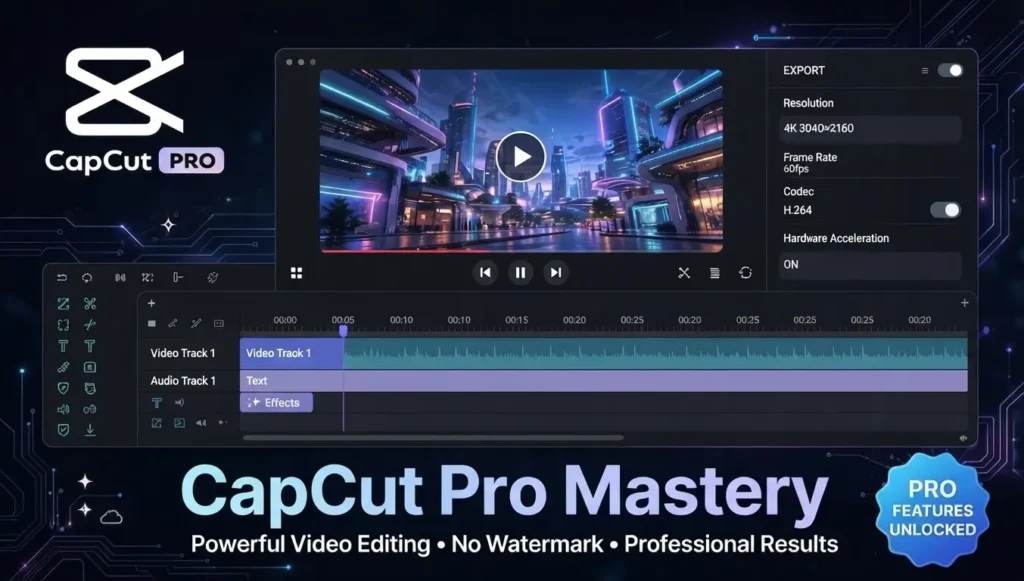
This guide explains how CapCut Pro 2026 works, how to check the official free trial, how to download CapCut safely on Android, and what you should know before using a CapCut Pro APK or CapCut Mod APK from an unknown website.
Table of Contents
Why So Many Users Search for CapCut Pro Free
CapCut has become a common choice for creating short videos, Reels, TikToks, YouTube Shorts, vlogs, product videos, and social media content. The free editor already provides a wide range of tools, but some advanced features are placed behind the Pro subscription.
People usually search for capcut pro free kaise le because they want features such as premium templates, advanced effects, AI editing tools, higher-quality exports, and watermark-related options.
CapCut itself explains that Pro includes advanced editing features, premium materials, and expanded cloud storage.
What You Get With CapCut Pro
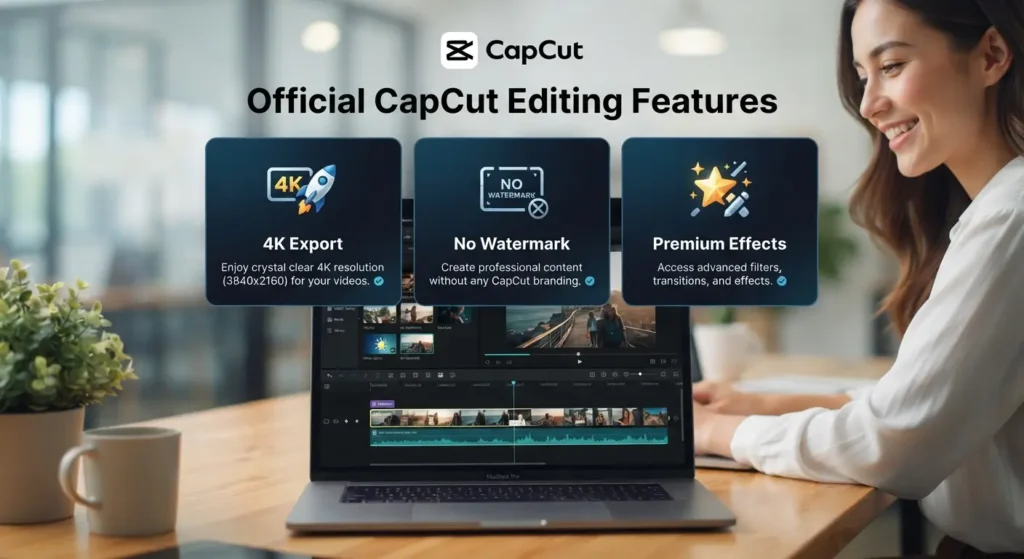
CapCut Pro is the paid version of the editor. The exact features can change over time, but the Pro plan currently includes several tools designed for creators who need more than the standard free editor.
Some commonly promoted Pro benefits include:
- Premium video templates
- Advanced video effects
- Premium filters and text styles
- AI-powered editing tools
- Higher-quality export options
- 4K and 60fps export on supported workflows
- Watermark-free export where the project and feature require Pro
- Additional cloud storage
- More advanced creative resources
CapCut’s official help pages specifically identify 4K/60fps export, premium templates, AI tools, and expanded cloud storage among Pro features.
The available features can vary by device, project, region, and CapCut version, so it is better to check the Pro screen inside your own account rather than relying on an old feature list.
Can You Get CapCut Pro Free in 2026?
Yes, some users can access CapCut Pro without an immediate payment through an official free trial, but it is not available to every account or every country.
CapCut currently documents a 7-day free trial for eligible new users in supported regions. The trial can provide access to Pro features during the trial period. Your account generally needs to meet CapCut’s eligibility requirements, and the free-trial option must actually appear on your subscription page.
This means you should not trust websites claiming that everyone can get CapCut Pro permanently free with one secret trick.
Method 1 – Check the Official 7-Day CapCut Pro Trial
The easiest legitimate way to try CapCut Pro free is to check whether the official trial is available on your account.
On Android
- Update CapCut to the latest available version.
- Open the official CapCut app.
- Sign in to your CapCut account.
- Open your profile.
- Look for the Pro or membership section.
- Check whether a Free Trial option appears.
- If the offer is available, follow the on-screen instructions.
- Review the subscription terms before confirming.
CapCut’s current instructions say the mobile free-trial flow is available on eligible accounts and supported regions, with the trial option shown on the Pro subscription screen.
Important Trial Reminder
A free trial is not the same as a permanently free Pro account. Depending on the subscription flow, a payment method may be required, and the subscription can renew after the trial if you do not cancel according to the terms.
Always check the renewal date and cancellation conditions shown by your app store before activating the trial.
Method 2 – Check CapCut Student Programs
Students should also check whether their university participates in a CapCut education or campus program.
CapCut currently describes its Creative Campus initiative as working with partner universities and offering free CapCut Pro memberships to students in participating programs.
This does not mean every student automatically receives one year of CapCut Pro.
If you are a student, check your university’s eligibility and follow the verification process provided by CapCut or your participating institution.
Method 3 – Use the Free CapCut Version
You do not always need Pro to make good videos.
The standard CapCut app provides many editing tools that can be used without a Pro subscription. If your project does not require premium materials, you can create and export content using the free version.
This is especially useful for beginners who are learning video editing or making simple social media videos.
Before paying for Pro, open the free version and check whether the tools you actually need are already available.
CapCut Pro Free Download for Android
If your main goal is to install CapCut on Android, use the official app rather than downloading an unknown modified package.
CapCut’s own Android download instructions recommend opening Google Play Store, searching for CapCut, selecting the official app, and installing it from there.
Simple Android Installation Steps
- Open Google Play Store.
- Search for CapCut.
- Find the official CapCut application.
- Tap Install.
- Wait for the installation to finish.
- Open CapCut.
- Sign in or create an account.
- Start editing your video.
If CapCut is not available in your Play Store region, do not immediately install a random APK from an unfamiliar website. Check the official CapCut website and your local app-store availability first.
What About CapCut Pro APK?
Searches for CapCut Pro APK are common because users want premium features without a subscription. However, an APK file downloaded from a third-party website is not automatically an official CapCut product.
An APK advertised as “Pro unlocked,” “Premium unlocked,” or “No watermark” may have been modified by someone other than CapCut.
That creates several problems:
- The file may not be genuine.
- The APK may contain unwanted software.
- Updates may not work normally.
- Your account or personal information could be exposed.
- Premium features may stop working after an update.
- The app could behave differently from the official CapCut version.
For this reason, the safer choice is to install the official CapCut application and use the Pro trial when it is genuinely offered to your account.
Should You Download CapCut Mod APK?
A CapCut Mod APK is generally presented as a modified version of the original app with paid features unlocked. These files are commonly promoted with phrases such as “CapCut Pro unlocked,” “premium free,” or “no watermark.”
The problem is that the person who modified the APK is not necessarily CapCut.
You cannot assume that a modified APK is safe simply because a website says it is “100% secure.” If you want to protect your phone and editing account, avoid installing modified applications from unknown sources.
For most users, the official CapCut app plus an eligible free trial is a much more straightforward way to test Pro features.
Does CapCut Desktop Give Pro Features for Free?
This is another point that is often misunderstood.
Installing CapCut for PC does not automatically make every Pro feature free. CapCut’s current desktop information separates the standard editing tools from Pro features such as advanced export options, premium templates, advanced AI tools, and additional storage.
The desktop app can be downloaded and used for editing, but Pro access still depends on your account and subscription status.
If CapCut shows a Pro label when you try to use a particular tool or export option, that feature may require Pro.
How Much Does CapCut Pro Cost?
There is no single price that should be presented as the permanent worldwide CapCut Pro price.
CapCut states that pricing can vary according to region, device, and available promotions. Users can see their current pricing by opening the Pro subscription page on the web, desktop app, or mobile application.
CapCut generally provides monthly and yearly subscription options, although the exact offers displayed to you may differ.
Therefore, if you are comparing the cost of Pro, check the price shown inside your own CapCut account instead of relying on an old blog post.
CapCut Pro Free Trial Not Showing? Try These Checks
Sometimes users search capcut pro free kaise le because the trial option is missing from their account.
There can be several reasons.
Your Account May Not Be Eligible
CapCut says previous Pro subscribers may not qualify for another trial. The offer is also limited to supported regions.
Your App May Need an Update
CapCut’s current trial instructions specify a supported app version for mobile users. Updating the app can help you see the latest subscription options.
The Offer May Not Be Available in Your Region
Free trials are not offered everywhere. If the trial badge does not appear, your country or account may not currently qualify.
Your Previous Subscription May Affect Eligibility
If you have already used a CapCut Pro subscription or trial, the same offer may not be available again.
How to Avoid Losing Your Money After a Free Trial
Before starting any subscription trial, read the information displayed on the confirmation screen.
Pay attention to:
- Trial duration
- Renewal date
- Subscription price
- Payment method
- Cancellation rules
- Whether the subscription renews automatically
A free trial can become a paid subscription after the trial period if it is not canceled according to the applicable terms. CapCut specifically notes that eligible mobile trials can automatically charge through the relevant app-store subscription after the trial ends.
CapCut Pro vs Free Version
| Feature | CapCut Free | CapCut Pro |
|---|---|---|
| Basic video editing | Yes | Yes |
| Templates | Free selection | More premium options |
| Effects | Free selection | More premium effects |
| AI tools | Selected tools | Expanded access |
| Cloud storage | Limited | Expanded storage |
| Premium materials | Limited | Included according to plan |
| Advanced export options | Depends on project | More options |
| Pro-only features | No | Yes |
The exact feature availability can change, so check the current CapCut app or website before making a subscription decision.
Is CapCut Pro Worth Trying for New Editors?
For someone who only makes simple videos, the free CapCut version may be enough.
For creators who regularly use premium templates, advanced effects, AI tools, cloud storage, or higher-end export features, Pro provides access to more editing resources.
The best way to decide is to first identify which tools you actually need. If those tools are available during an official trial, you can test them before deciding whether a paid subscription fits your needs.
In this guide from APK Promex, you will learn how to check CapCut Pro free options, download the official Android app, understand the free trial, and stay away from risky modified APK files.
More APK and Gaming Guides
If you also explore Android games and earning apps, you can check these related guides from APK Promex:
- [DD88 Game] – Latest APK, features, registration, and download guide.
- [Qzr888 Game] – Learn about its games, bonuses, deposits, and withdrawals.
- [88Ka Game] – Check the latest Android version and important user information.
Common CapCut Pro Search Questions
How can I get CapCut Pro free?
Eligible users may see an official 7-day free trial. Availability depends on region, account history, and other eligibility requirements.
Is CapCut Pro free permanently?
No official information supports a permanent free CapCut Pro account for everyone. CapCut offers a free version and, for eligible users, limited free-trial opportunities.
Can I download CapCut Pro APK?
You may find third-party websites offering files described as CapCut Pro APK, but these are not automatically official CapCut releases. For safer installation, use the official CapCut app.
Is CapCut Mod APK safe?
You should not assume that a modified APK is safe simply because it is advertised as secure or unlocked. The safest approach is to use the official CapCut application.
Does CapCut have a free trial in 2026?
CapCut currently documents a 7-day Pro free trial for eligible users in selected regions. The option must appear on your account for you to activate it.
Can students get CapCut Pro free?
Some students may receive free Pro access through CapCut’s partner university programs. It is not a universal benefit for every student.
Can I use CapCut Pro on Android?
Yes. CapCut Pro subscriptions are account-based, and CapCut provides Pro access across supported web, desktop, and mobile platforms after activation.
Final Takeaway for CapCut Pro 2026
If you are searching for CapCut Pro free download 2026, the safest approach is to start with the official CapCut application instead of an unknown modified APK. Eligible users can check their account for the official 7-day Pro trial, while students can check whether their university participates in a CapCut program.
There is no need to rely on claims about a secret permanent CapCut Pro free trick. Trial availability, pricing, and premium features can change by region and over time, so the information shown inside your own CapCut account is the most useful source.
For Android users in Pakistan, download the official CapCut app, check the available Pro options, and use only the features and subscription terms that are actually displayed for your account.
Disclaimer: CapCut features, pricing, trials, and eligibility can change. This article is for informational purposes and does not guarantee that a free trial or particular Pro offer will be available to every user.